Ralvafi · personal finance, self-hosted
Know your money to the cent. Keep it on your own server.
A dashboard and ledger for net worth, cashflow, loans and investments, in every currency you hold. It runs on your server; only people you invite can sign in.
- Invite-only
- Passkeys and two-factor
- Installable on your phone
- Mar 01Opening balance12,400.00
- Mar 01Salary+3,200.0015,600.00
- Mar 02Rent−850.0014,750.00
- Mar 04Groceries−84.1014,665.90
- Mar 05Ana repays+250.0014,915.90
- Mar 05Internet−60.0014,855.90
- Mar 09Dividends+42.7514,898.65
- Mar 11Dining−38.2014,860.45
- TOTAL14,860.45
Running balance, 11 MarchEight sample entries, one number. Every line you enter ends here, to the cent.
14,860.45
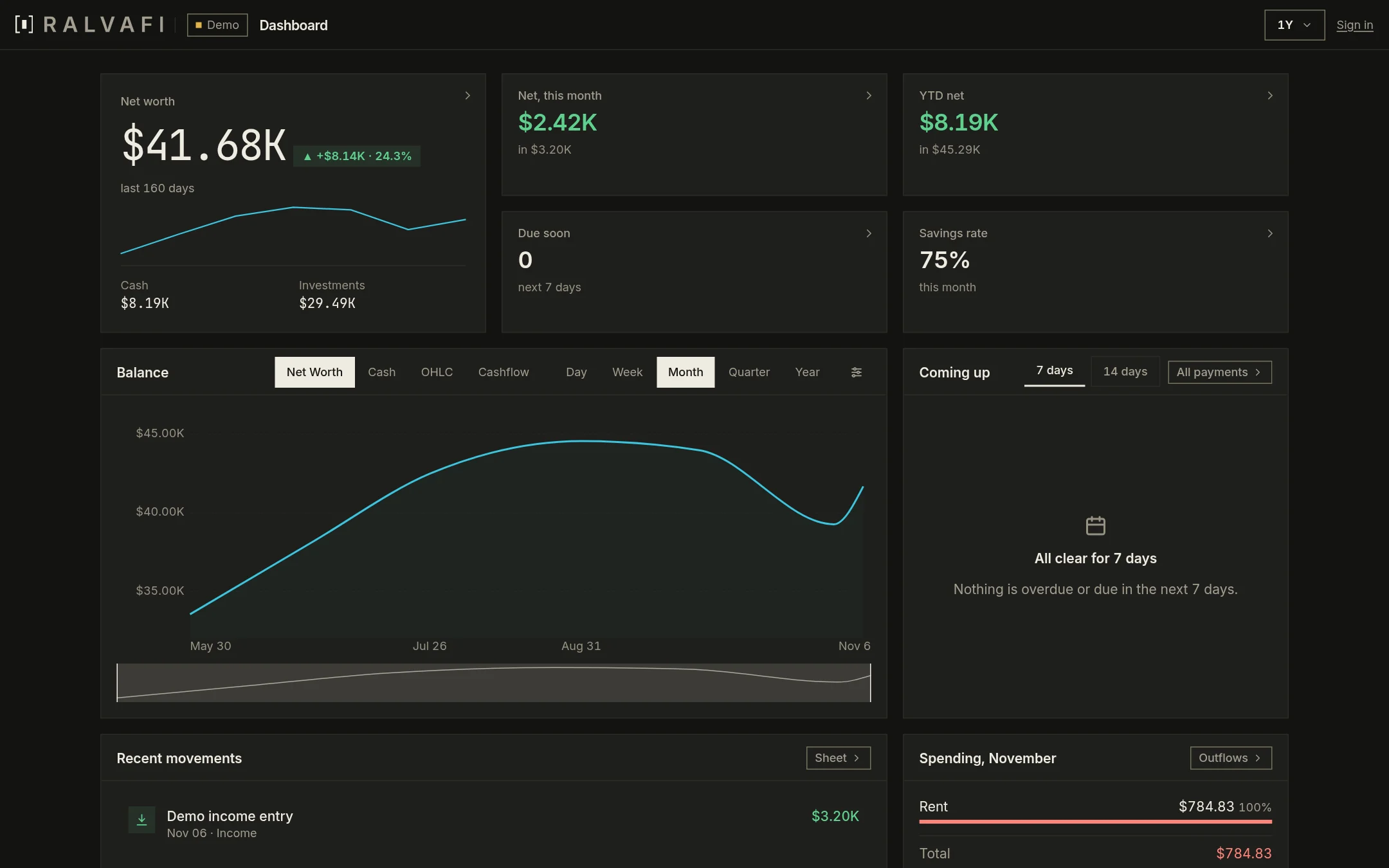
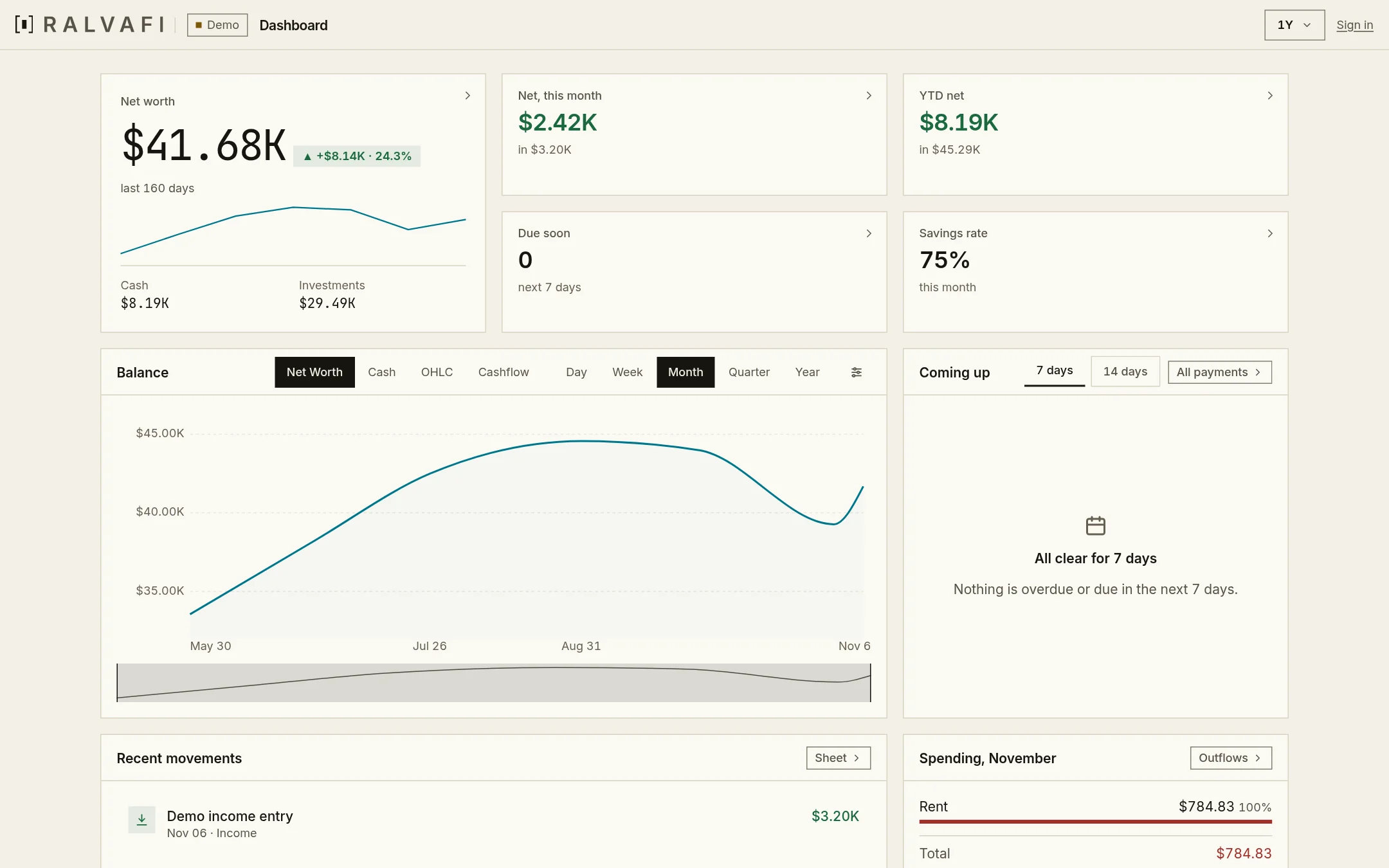
The real dashboard. Your numbers would be the only ones on it.
This is Ralvafi itself, captured on its built-in demo data, not a drawing of it. The bracket is the same mark as the logo: it selects what matters.
- 01
One figure first
Net worth as of today: cash and investments, plus what you are owed, minus what you owe.
- 02
The month at a glance
Net this month, year to date, what is due soon and your savings rate.
- 03
Every chart has a table
Net worth, cash, candles and cashflow, by day, week, month, quarter or year.
The tour · four panels
Read it top to bottom, the way you would open it.
One number for what you own and owe
Cash and investments, plus money owed to you, minus money you owe, as of any day. It is the
compositionreport, and it sits first because it is the figure you open the app for.This month, in four figures
Net this month, year to date, what is due in the next seven days and your savings rate. Each one opens the view behind it.
Charts that answer a question
Net worth, cash, OHLC candles and cashflow, by day, week, month, quarter or year, with a range brush under the chart.
What is coming up
Loan instalments and fixed expenses due in the next 7 or 14 days. Reminders are off until you turn them on; then they can reach you as a push notification or an email before a payment is late.
Three currencies, three totals, no blend.
A trip abroad never muddles your home figures. Each currency keeps its own running balance, and one report returns them side by side, your main currency first.
- USD24,318.40dominant: sales, loans, fixed expenses and investments count here
- EUR3,912.75its own running balance
- GBP640.10its own running balance
sample figures. The same three appear in the agent's answer further down, read from get_report with "report": "composition", whose currencies list carries every currency the profile holds.
Your spreadsheet row becomes a ledger row. You see the difference first.
Keep the workbook you already have. An agent compares it with the app using diff_rows, which only reads, then writes what you approve with apply_rows.
diff_rowssorts every row into new, changed, matching, or only in the app.apply_rowscreates the new rows and updates the changed ones, after you confirm.- A row that exists only in the app is left alone here. An Excel import with
ralvafi syncwould delete it, which is why the diff comes first.
apply_rows writes data. Create 2 rows and update 1 in the profile Personal?
Press “Run diff_rows”. Nothing is written until you confirm.
| Row | A | B | C | D | E | F | diff_rows result |
|---|---|---|---|---|---|---|---|
| 1 | date | amount | type | currency | description | category | |
| 2 | 2026-10-01 | 3200.00 | active_income | USD | Salary | Work | |
| 3 | 2026-10-02 | 850.00 | operating_expenses | USD | Rent | Home | |
| 4 | 2026-10-04 | 84.10 | operating_expenses | USD | Groceries | Food | |
| 5 | 2026-10-09 | 42.75 | passive_income | USD | Dividends | Investing |
- 2026-10-01Salary Work3,200.00
- 2026-10-02Rent Housing850.00
- 2026-10-06Internet Utilities60.00
sample rows. The field names (date, amount, type, currency, description, category), the type values and the four result groups are the real ones from the reconcile tools.
Ask your ledger. It answers from the same report the dashboard reads.
Ralvafi ships an MCP server with 44 tools, so an agent can read reports, find movements and propose changes. 20 of them only read; 15 are marked destructive, and the server tells the agent to ask you before it uses one.
“What am I worth today, per currency?”
About $24,318.40 in dollars, €3,912.75 in euros and £640.10 in pounds. I kept them apart; Ralvafi does not add currencies together.
{
  "report": "composition",
  "as_of": "2026-11-04"
}
{
  "currency": "USD",
  "as_of": "2026-11-04",
  "cash": "9120.40",
  "investments": { … },
  "owed_to_you": "1450.00",
  "you_owe": "3200.00",
  "net_worth": "24318.40",
  "currencies": [
    { "currency": "USD", "net_worth": "24318.40", … },
    { "currency": "EUR", "net_worth": "3912.75", … },
    { "currency": "GBP", "net_worth": "640.10", … }
  ]
}
Tool, report and field names are real (get_report, composition, as_of, currencies); the values are sample. With no profile_id, the call reads the profile active in the session.
The trade-off
Nobody else holds a copy. That is the point, and the price.
Ralvafi runs on your server, so your numbers never sit in someone else’s database. It also means updates and backups are yours to run.
You get
- Only the people you inviteNobody signs up. You create accounts; sign-in offers a passkey or a two-factor code.
- One binary with the web app insideThe Go server embeds the dashboard and serves both from one process.
- Your spreadsheet, keptImport a workbook as a profile or keep syncing it with
ralvafi sync.
You accept
- Running PostgresThe compose file runs
timescale/timescaledb-ha:pg18.6-ts2.31.0: TimescaleDB on Postgres 18. - Your own backups
task backup:rundumps the database;task backup:verifyrestores the newest dump into a throwaway container and prints row counts. - Your own updatesA new version is a new image you pull. Nobody patches it for you.
Questions
The short answers.
Can someone sign up on their own?
No. It is invite-only: accounts are created by you, and an invitation is how anyone else gets in.
Can an agent change my data?
Through the MCP tools only. 20 of 44 only read; 15 are marked destructive (deleting, and apply_rows), and the server's instructions tell the agent to ask you first and to run diff_rows before apply_rows. Creating and updating a movement are writes that are not marked destructive.
Does it work on my phone?
Yes. The web app is installable. Reminders for what is due are off until you turn them on, then they can arrive as a push notification.
Will it mix my currencies?
No. Each currency is totalled on its own. Sales, loans, fixed expenses and investments count in your main (dominant) currency.
Look around first. The demo needs no account.
It is the real dashboard on made-up data. Change anything; a reload puts it back.